Free exit-intent popup templates
Free to edit and install. No pageview cap, no trial and no credit card.
Exit intent is a last-chance conversation, not a popup on every page. These three templates cover a cart reminder, a last-chance offer and a cancellation save. They are desktop-only because touch devices do not have a dependable exit event.
Use them sparingly. A visitor who is leaving a checkout or a cancellation flow has a specific task in mind; a vague “wait!” message usually makes the experience worse. State the reason to stay, or let them go.
Who these templates are for
- Stores with a real cart or browse-abandonment moment.
- Subscription or membership sites with a genuine pause or downgrade option.
- Sites offering a last-chance code with a real deadline.
- Teams that can test on desktop and respect frequency limits.
How to choose and use one
- Trigger only on desktop and only when the pointer leaves through the top edge.
- Exclude checkout, payment and legal pages unless the offer is specifically a cart rescue.
- Set once-per-day or once-ever frequency; do not ask the same visitor on every page.
- Use the cart template only if you can honor the shipping or offer terms.
- Test with a private window and a mouse, not by switching tabs.
What to measure
- Exit-popup submit rate, not total popup views.
- Cart or checkout recovery attributable to the popup.
- Cancellation saves with a real pause or downgrade.
- Complaint and close rate, especially on repeat visits.
Common mistakes
- Trying to fire exit intent on mobile.
- Showing on every page to the same visitor.
- Blocking the checkout or cancellation flow.
- Ignoring frequency and asking again immediately.
3 exit intent templates
Each card opens the template in the studio. Replace the sample copy, set a real offer or message, then save and copy the install code.
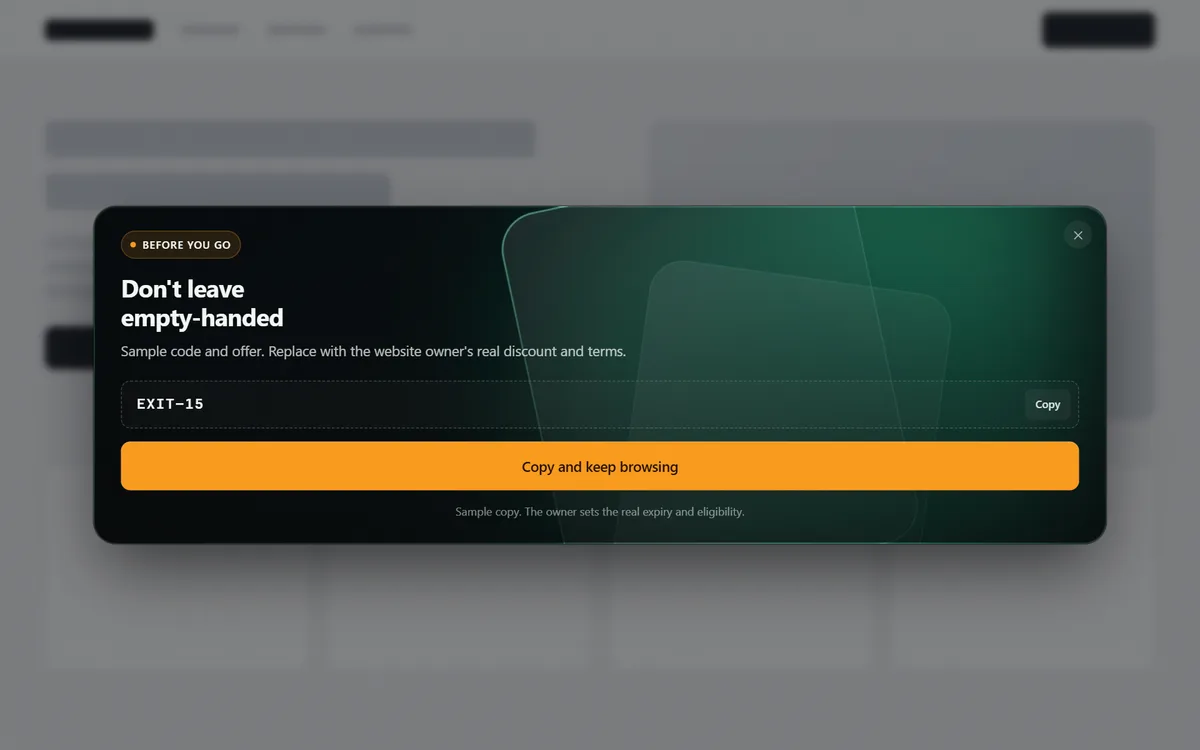
Exit takeover
Fullscreen exit-intent takeover with an ink backdrop and a code field.
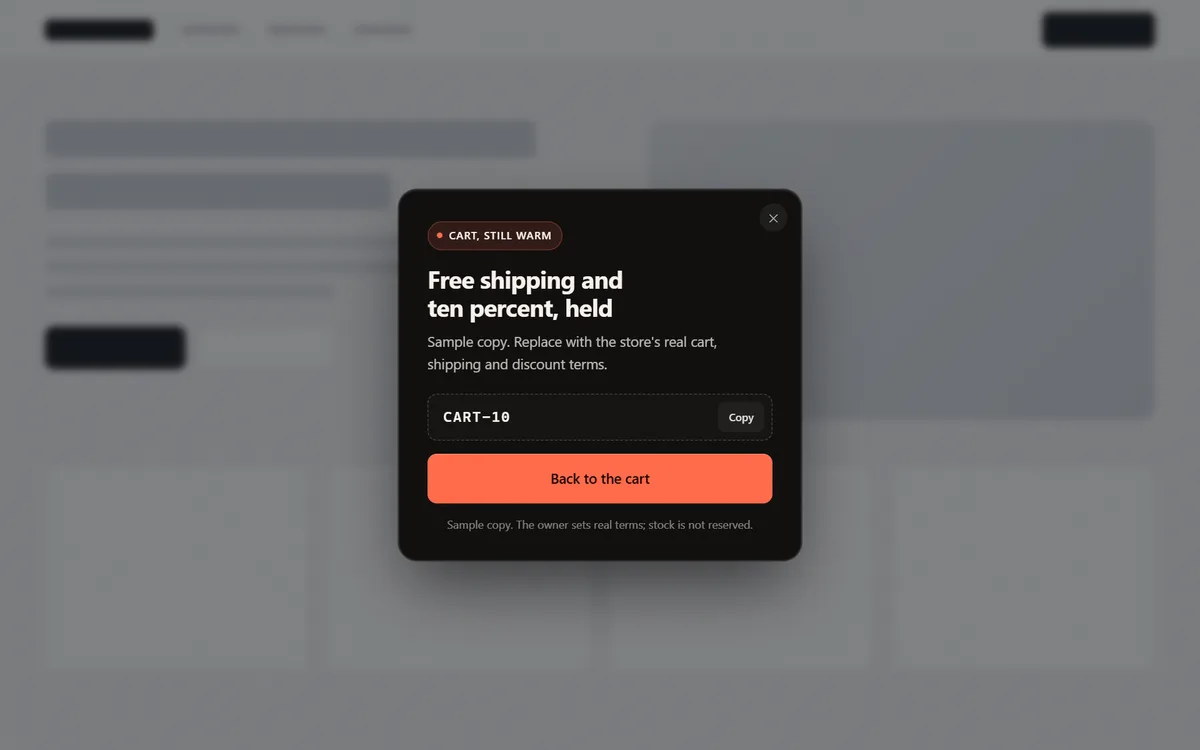
Exit + cart
Exit-intent modal with a cart message, code field and owner-set shipping or offer terms.
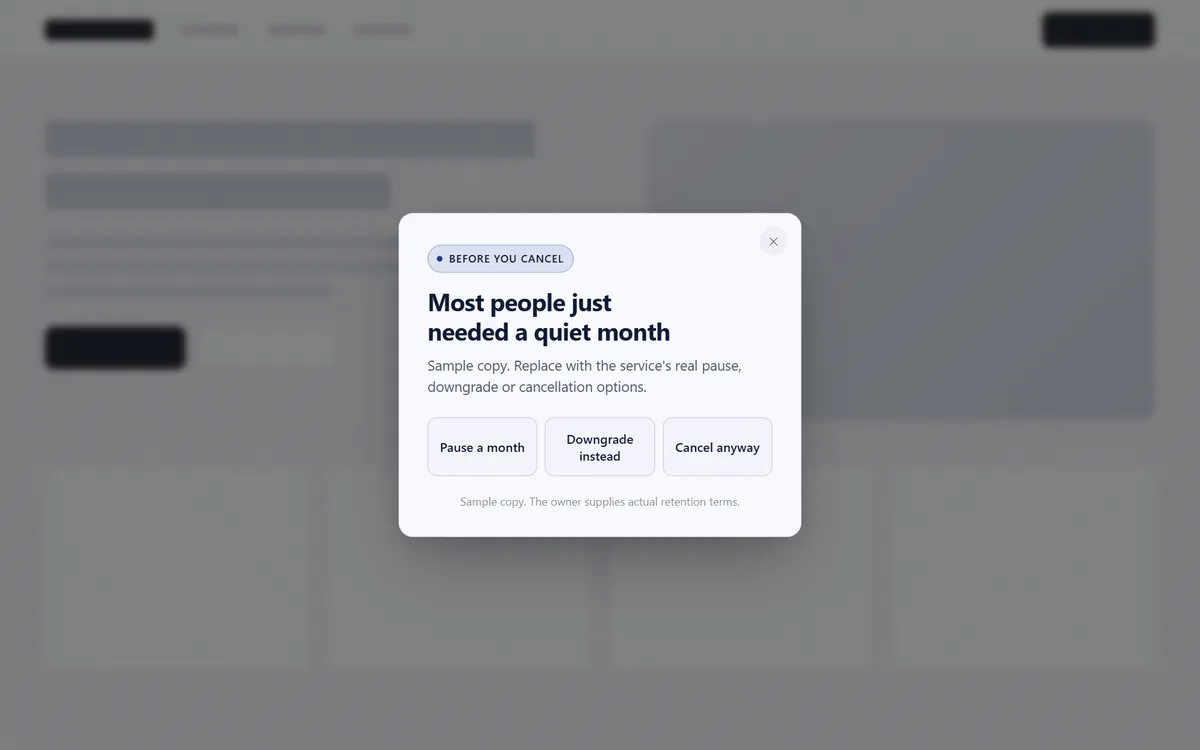
Retention
Click-triggered retention prompt with configurable pause, downgrade or leave choices.
Related guides
Common questions
Why doesn't exit intent work on mobile?
Touch devices have no cursor and no reliable “leaving” event. PopupLoom disables exit intent on mobile by design; use a delay or scroll trigger instead.
Why isn't my exit popup firing?
Exit intent only fires when the pointer leaves through the top of the viewport. Switching tabs, moving to a second monitor or leaving through the side does not count.
Can I use a countdown in an exit popup?
Yes, but the deadline must be real. Do not reset it for each visitor.
Is this free?
Yes. There is no pageview cap; a free account is required to save a popup and get its install code.