Free trust and social-proof popup templates
Free to edit and install. No pageview cap, no trial and no credit card.
Trust notices only work when they are true. These three templates give you a layout for a guarantee, a secure-checkout explanation and an activity toast. The copy, evidence and claims must come from the owner.
Demo names, times and badges are sample data. Do not publish a fake review, a fake purchase notification or a security claim you cannot substantiate.
Who these templates are for
- Stores with a real return, guarantee or support policy.
- Checkout flows that need a plain-language security note.
- Sites with verified customer activity they can show truthfully.
- Teams that can keep the claim current.
How to choose and use one
- Write the exact policy, not a vague “100% safe” badge.
- Link to the page with the full terms.
- Remove sample names and times before publishing.
- Do not imply a certification, audit or payment security standard you do not hold.
- Update the notice when the policy changes.
What to measure
- Click-through to the full policy or terms.
- Support questions that the notice was meant to prevent.
- Conversion delta before and after the notice.
- Whether every claim is still true this month.
Common mistakes
- Publishing sample reviews or names as if they were real.
- Using a vague badge like “100% safe” with no evidence.
- Implying a certification, audit or payment standard you do not hold.
- Leaving an expired guarantee live.
3 trust templates
Each card opens the template in the studio. Replace the sample copy, set a real offer or message, then save and copy the install code.
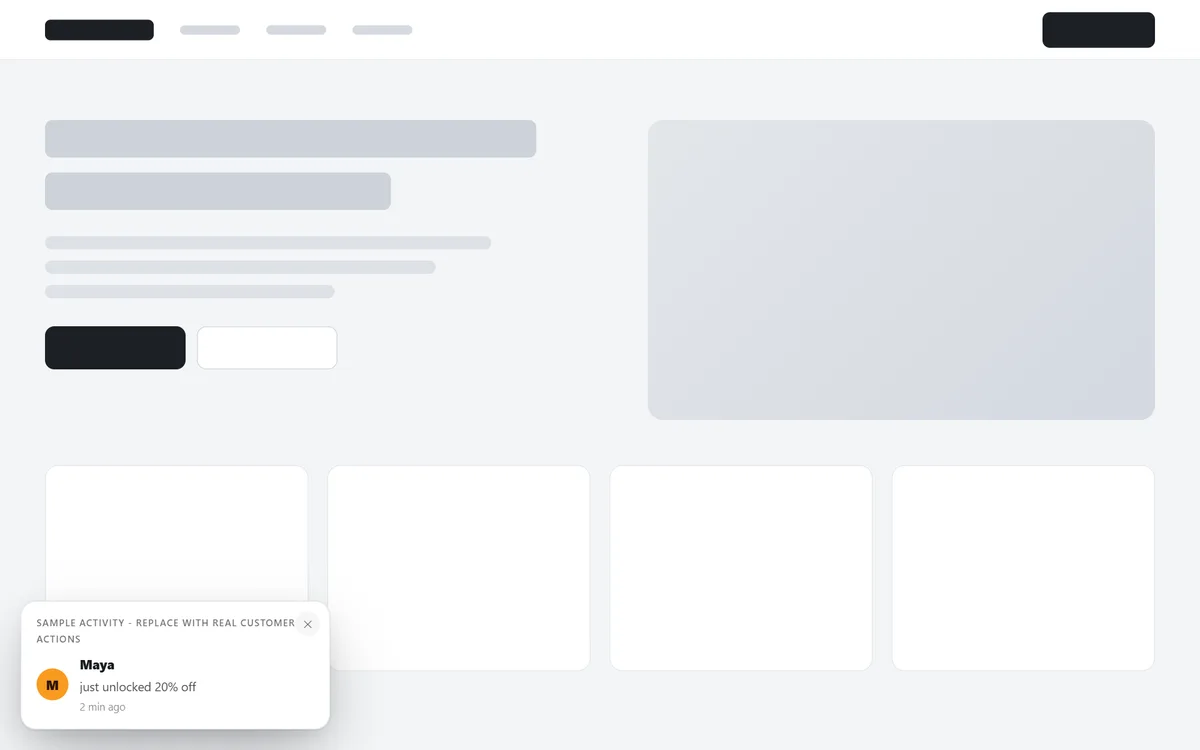
Social proof
Bottom-left activity toasts for authentic owner-supplied updates. Sample names are demonstration data.
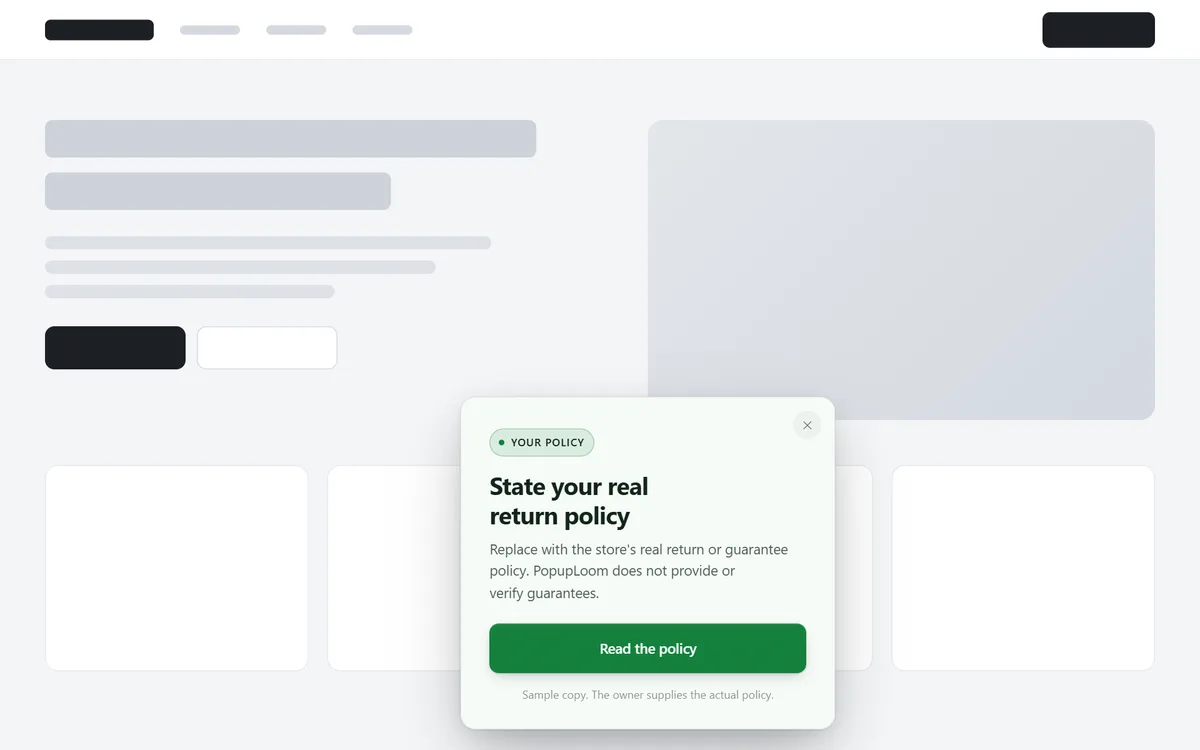
Guarantee
Green corner card layout for an owner-supplied return or guarantee statement.
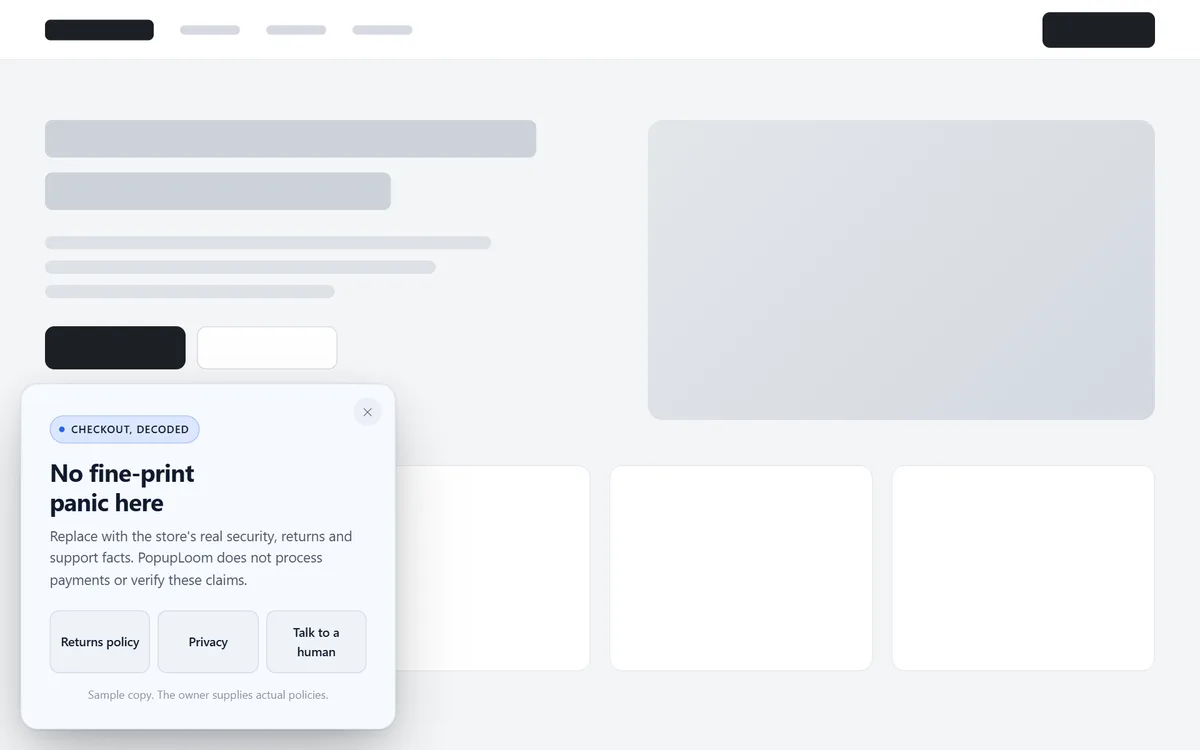
Reassurance
Blue slide-in layout for owner-supplied payment, returns and support facts.
What you can and cannot claim
Use only reviews, counts, ratings and logos you can evidence. Keep a dated screenshot of the source, because a number quoted from a dashboard changes and a badge can expire. Get permission before using a customer's name, photo or company logo; otherwise anonymise the quote.
A testimonial is one person's experience, not a typical result, so do not present it as an average or a guarantee. Do not imply a rating you have not received, a certification you do not hold or a customer you do not serve. When a claim stops being true, remove it the same day rather than leaving it until the next redesign.
Related guides
- Trust badge popup template
- Security and responsible disclosure
- Popup builder for ecommerce
- Install a popup on your site
Common questions
Can I use the proof toast with sample data?
No. The sample names and times are demonstration data. Replace them with real, owner-verified activity or remove the template.
Does the secure-checkout template make my site PCI compliant?
No. It is a layout for facts you supply. Compliance depends on your payment provider and your own setup.
Can I claim a guarantee?
Only if you can honor it. State the conditions and link to the full policy.
Are the templates free?
Yes, with no pageview cap.