Free discount and offer popup templates
Free to edit and install. No pageview cap, no trial and no credit card.
A discount popup is only as good as the offer behind it. These seven templates cover first-order codes, time-boxed drops, bundle builders and low-stock notices. They are layouts: the code, deadline, stock level and terms must be real and honored by the site owner.
Several templates include countdown layouts. A countdown is a display element, not an automatic deadline. Set a real end date and do not reset it to manufacture urgency.
Who these templates are for
- Independent stores running a first-order or seasonal promotion.
- Product drops that need a code and a clear end date.
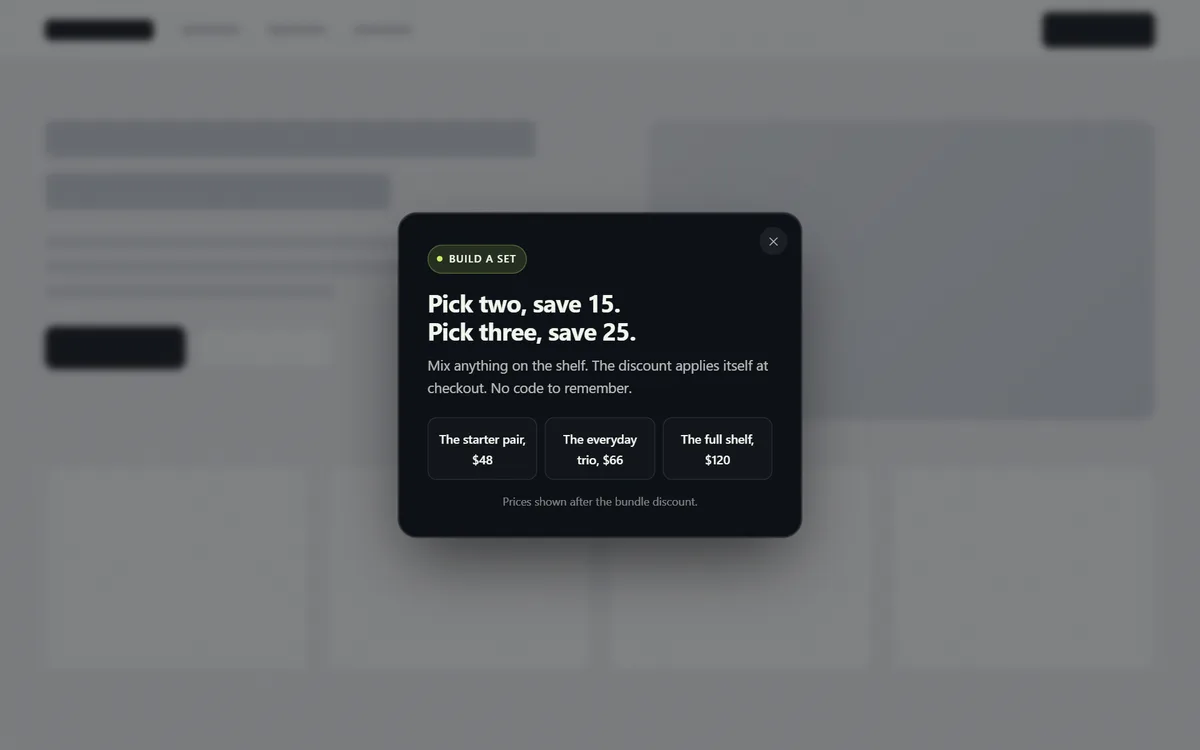
- Bundle offers that need a simple three-choice layout.
- Restock or low-stock notices where the owner has real inventory data.
How to choose and use one
- Put the actual value in the heading: “10% off your first order” beats “Special offer”.
- Show the code in a copyable field and repeat it in the success message.
- Use a real deadline and timezone; never reset a countdown to fake urgency.
- Exclude checkout and payment steps from page targeting.
- Test the code in the store before publishing the popup.
What to measure
- Code redemption, not just popup submissions.
- Revenue per visitor during the campaign versus a normal week.
- Close rate, which shows whether the offer or timing is wrong.
- Refund and cancellation rate after the promotion.
Common mistakes
- Resetting a countdown to fake urgency.
- Leaving an expired code in the popup.
- Showing a discount over the checkout or payment step.
- Publishing a code that was never tested in the store.
7 discounts templates
Each card opens the template in the studio. Replace the sample copy, set a real offer or message, then save and copy the install code.
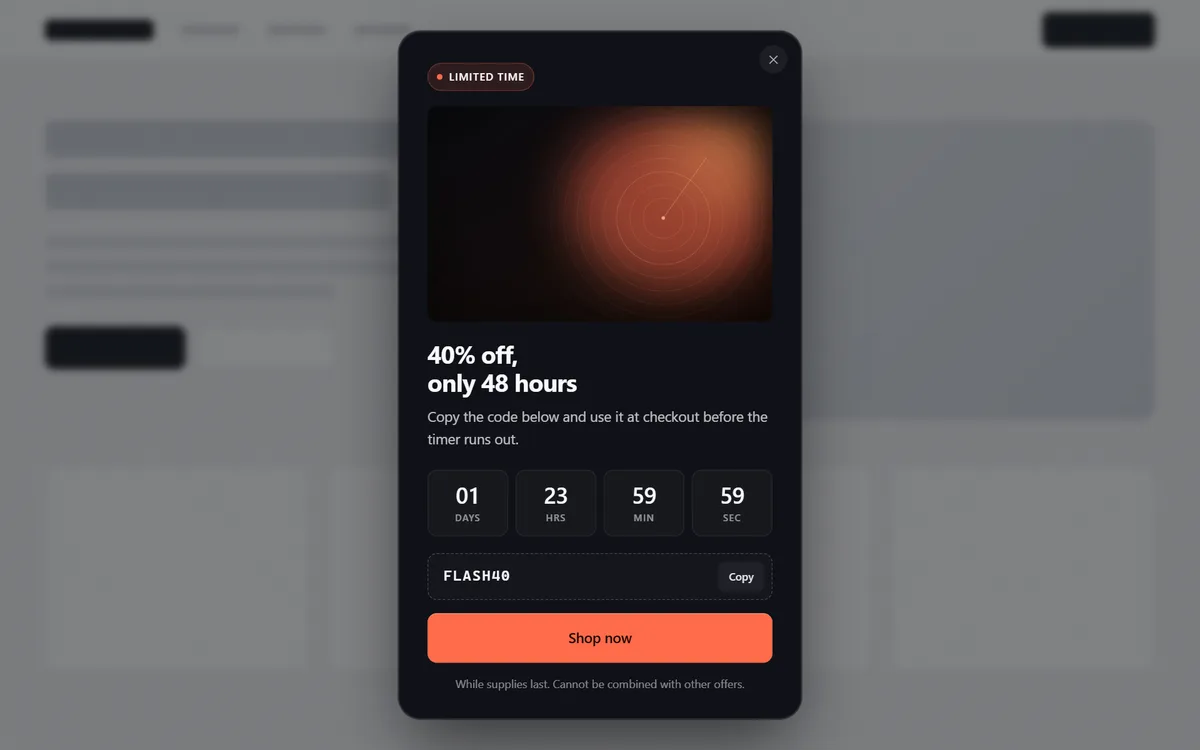
Flash deal
Ember-lit modal with a live countdown and a copyable code field.
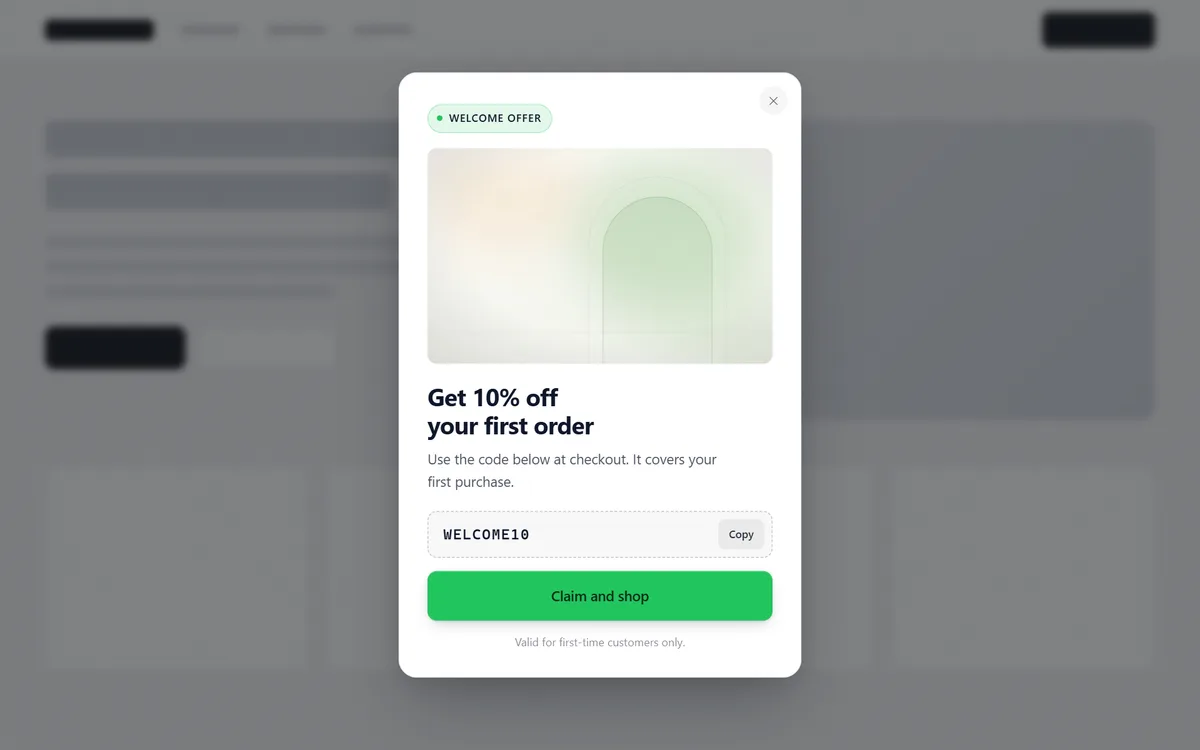
Coupon
Light welcome-offer modal with soft sage artwork and a copyable code field.
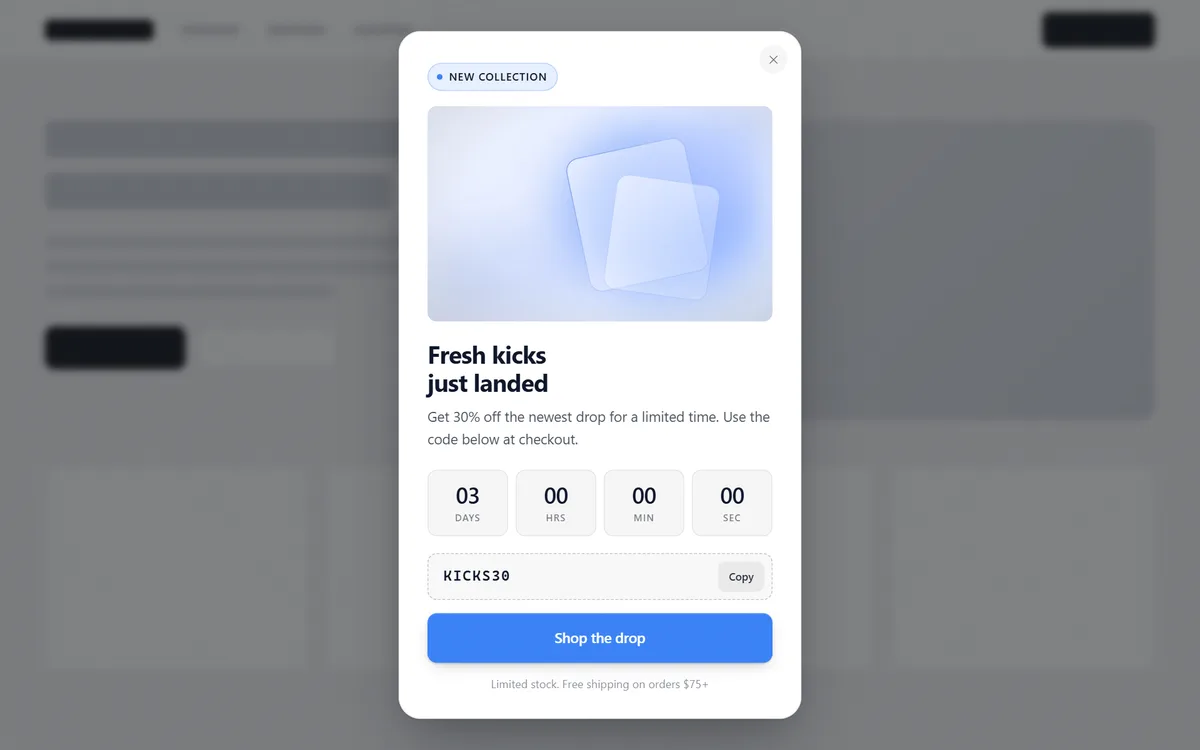
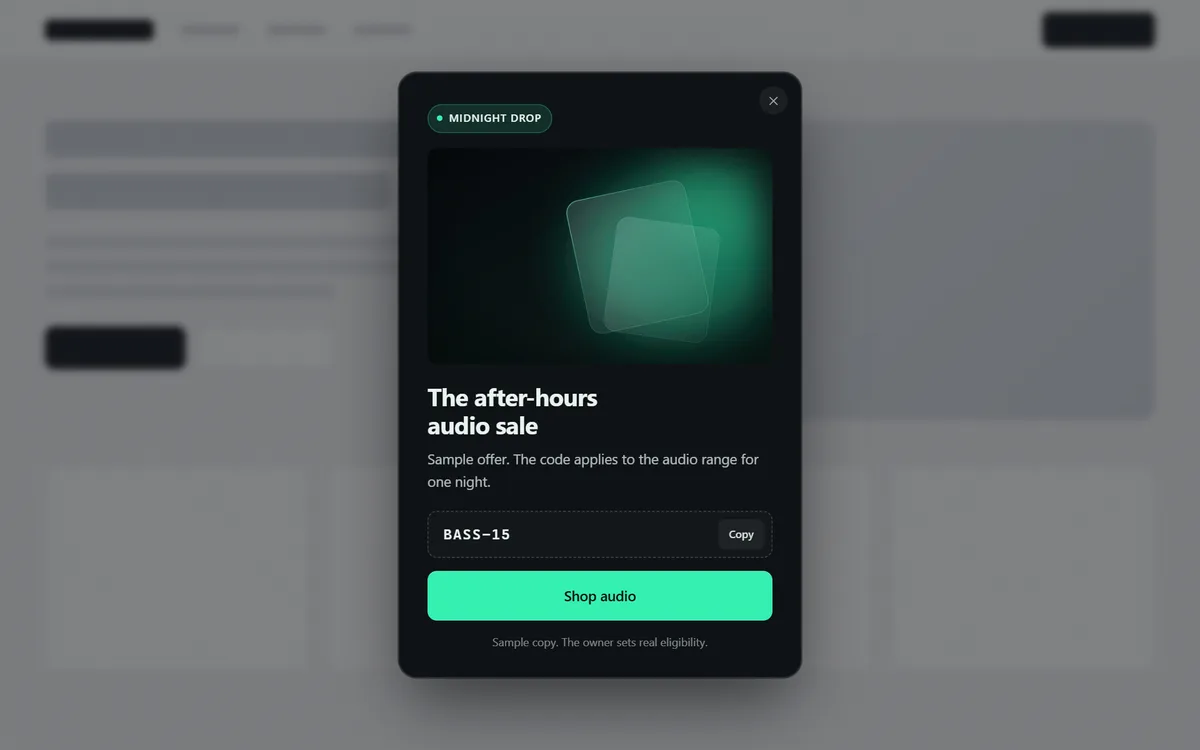
Scarcity
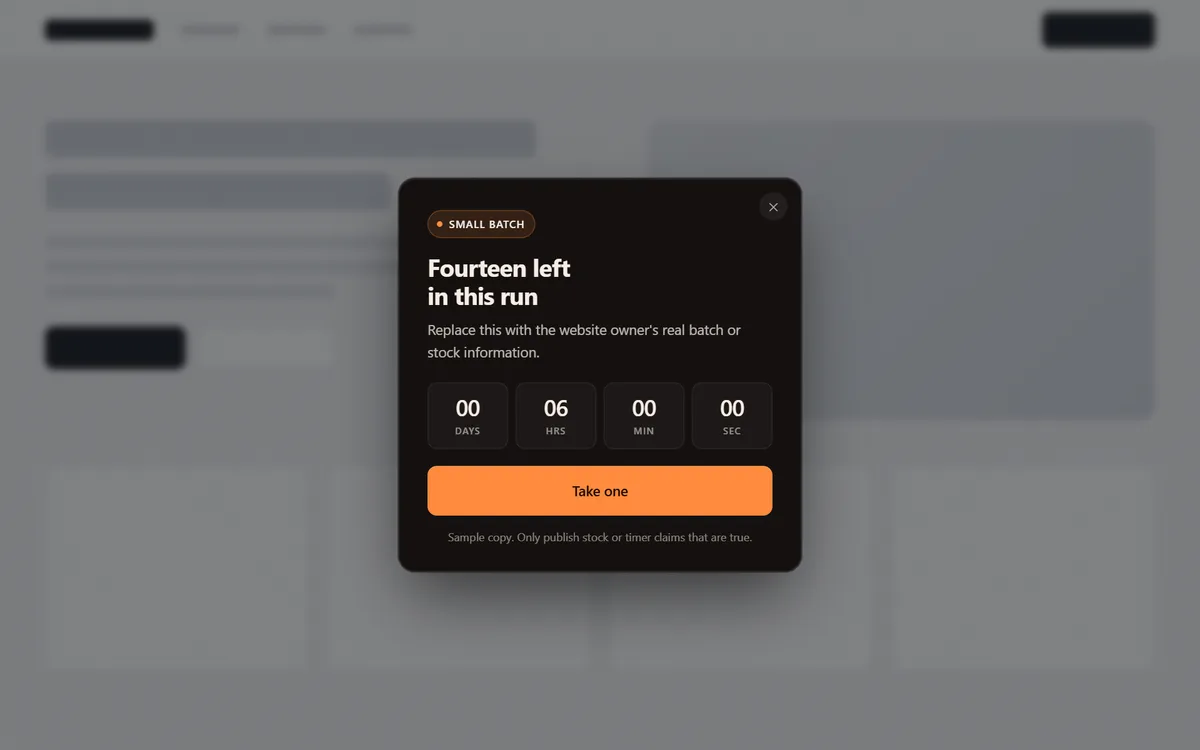
Charcoal modal with a batch timer layout and a stock message the owner must verify.
Lapsed buyer
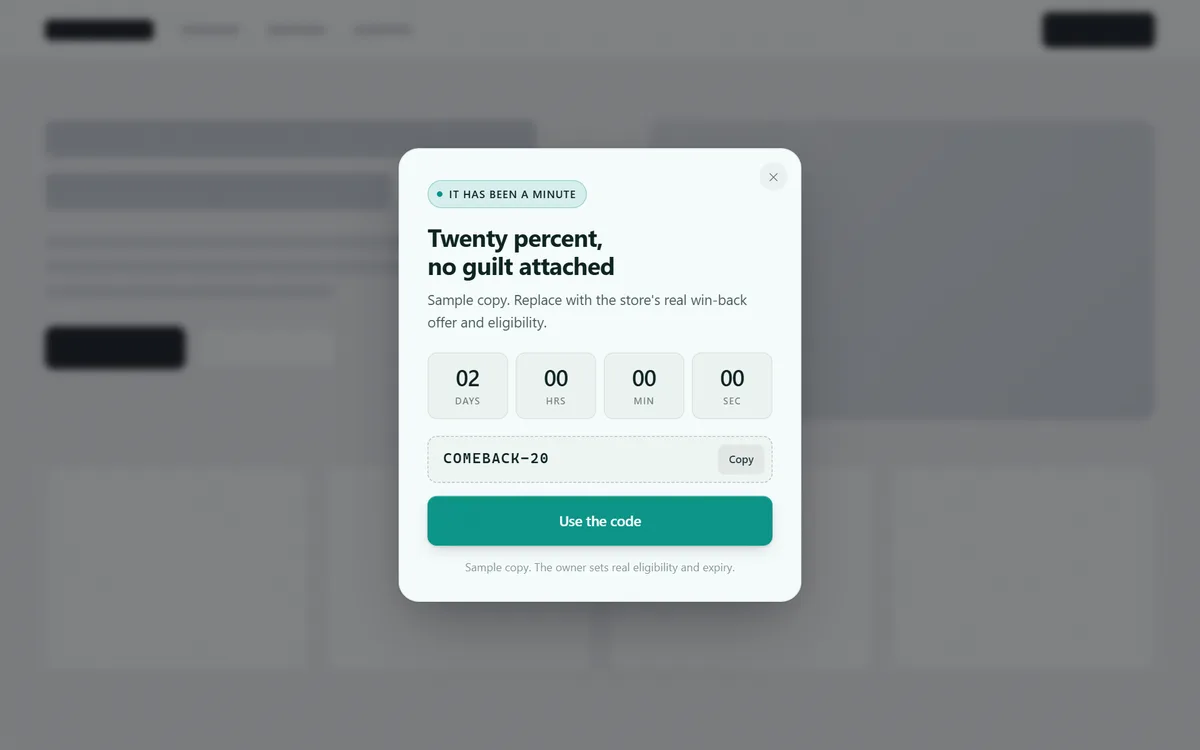
Teal modal with a welcome-back code field and countdown; the owner sets eligibility.
Related guides
Common questions
Are the countdown timers real?
They are display layouts. The owner sets the end date and is responsible for honoring it. PopupLoom does not generate or validate coupon codes.
Can I use these on Shopify?
Yes, if your theme or an app allows custom HTML or JavaScript. The Shopify guide covers theme code and app-embed options.
Do these templates create discount codes?
No. You create the code in your store and paste the real code into the popup.
Can I show a low-stock message?
Only if the stock number is accurate. The template includes a message you must verify and update; it does not read inventory.