Free email signup popup templates
Free to edit and install. No pageview cap, no trial and no credit card.
Email is the one audience a site owner keeps even when an algorithm changes. These thirteen templates cover the common reasons a visitor gives an address: a welcome offer, a launch waitlist, a lead magnet, a restock alert or a webinar seat. Each is an editable starting design, not a promise of a particular conversion rate.
Every template installs on any site that allows custom HTML or JavaScript. The form, success message and follow-up are yours; PopupLoom stores the response in your lead inbox and can export it as CSV.
Who these templates are for
- Newsletter and content sites that want a single, low-friction field.
- Course creators and local services offering a checklist, guide or booking.
- Product launches that need a waitlist before the store opens.
- Small stores that want first-order or restock interest without a monthly popup subscription.
How to choose and use one
- Ask for one thing. A single email field usually beats a name, phone and company field stacked together.
- State the value in the heading, not the fine print: what the visitor gets and when.
- Only promise a file, code or reply you can actually deliver.
- Use exit intent on desktop and a short delay or scroll trigger on mobile.
- Keep consent language honest and link to your privacy notice.
What to measure
- Signup rate: submits divided by times the popup was shown.
- Validation errors, which usually mean the field or the promise is unclear.
- Lead quality: how many new addresses open the first follow-up.
- Unsubscribe and complaint rate after the first send.
Common mistakes
- Buying a list and importing it as if those people opted in.
- Hiding the consent or privacy link in tiny fine print.
- Promising a file, code or reply nobody will deliver.
- Stacking name, phone and company fields on a first visit.
13 email signup templates
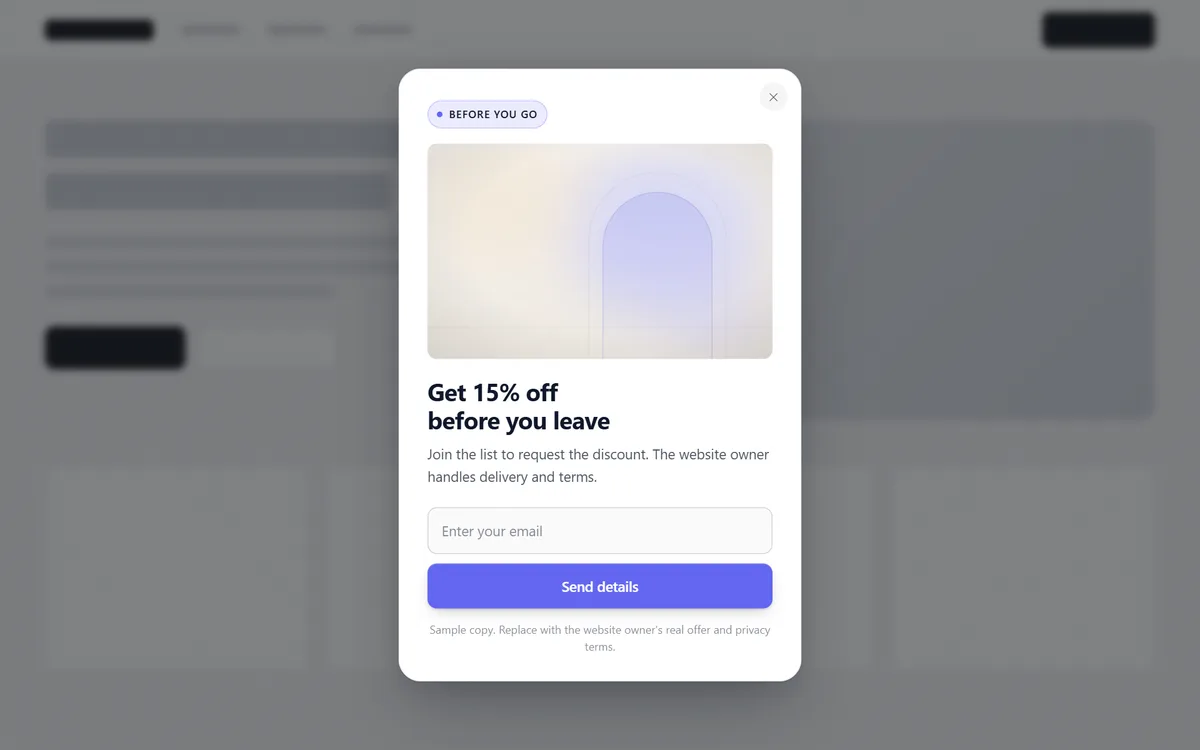
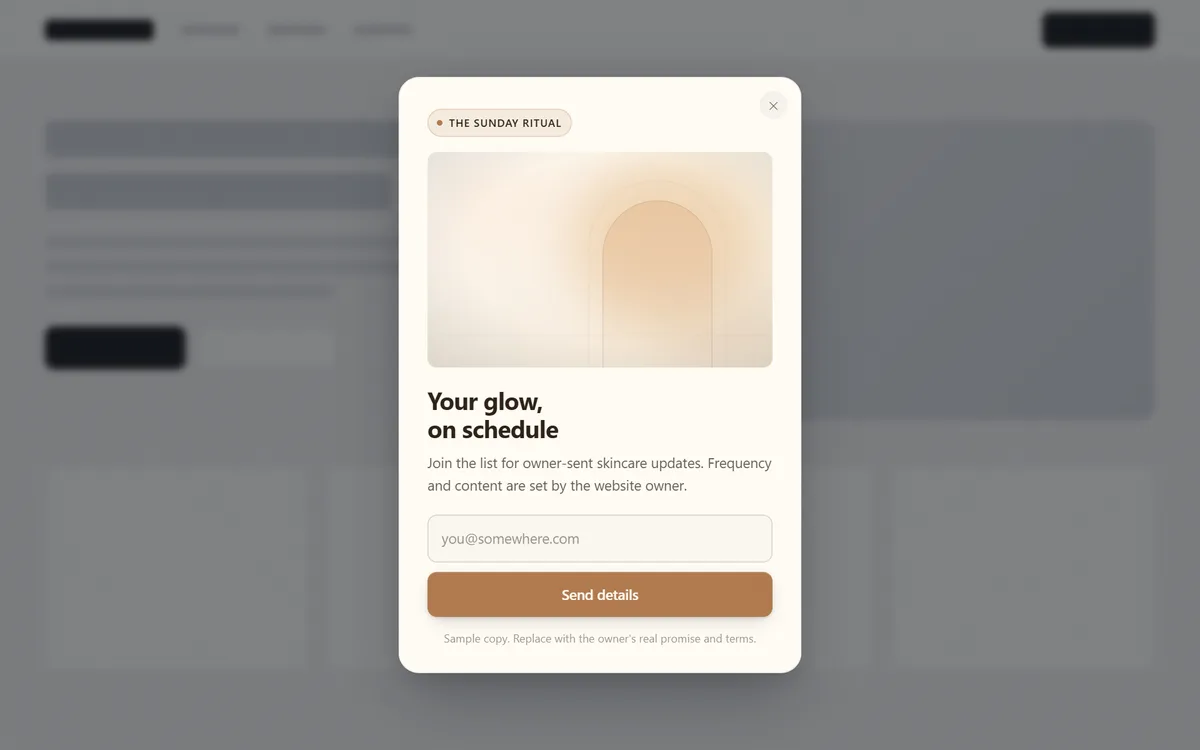
Each card opens the template in the studio. Replace the sample copy, set a real offer or message, then save and copy the install code.
Launch
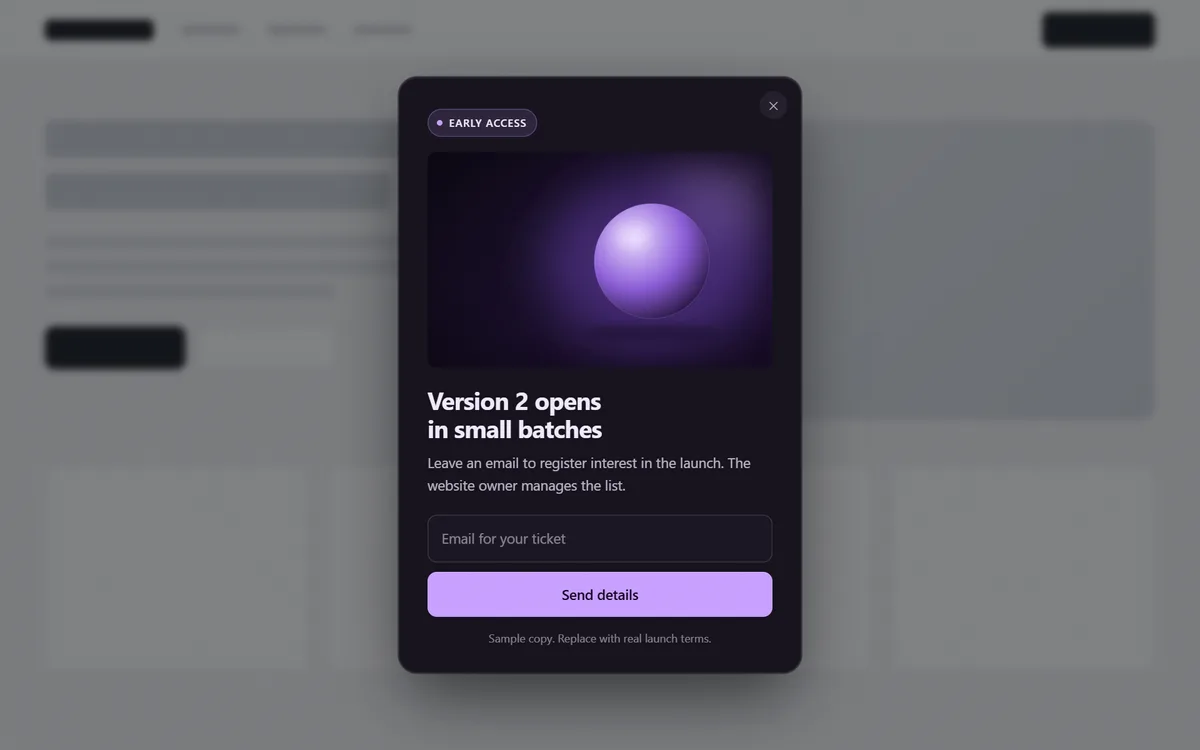
Ink launch modal with a violet light motif and an email field for waitlist interest.
Hospitality
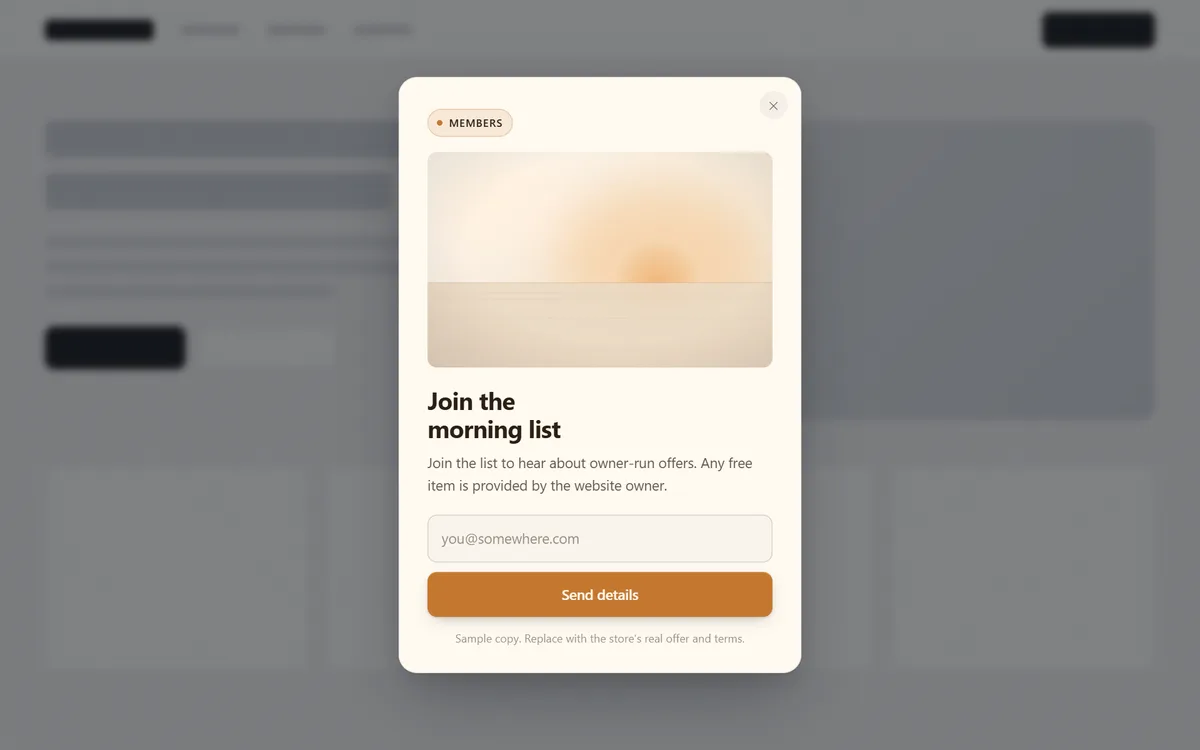
Café-toned signup modal with a morning horizon motif and one email field.
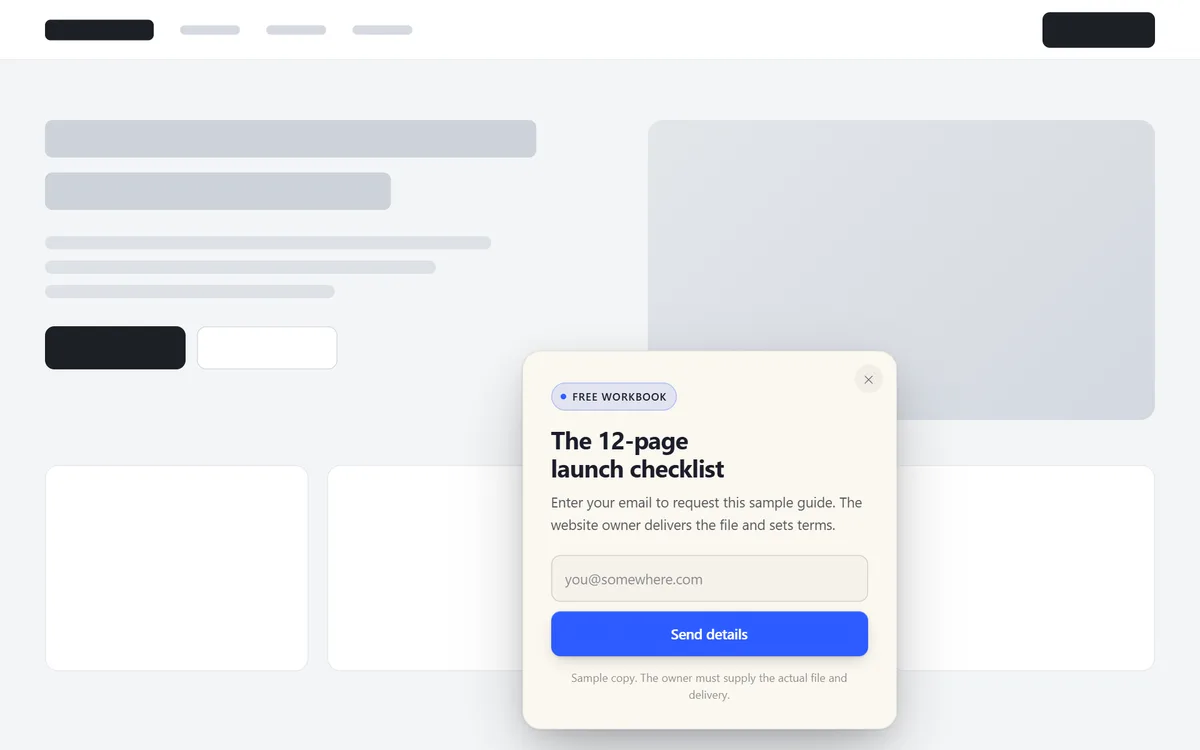
Content upgrade
Corner slide-in with an email field for a content upgrade; the owner delivers the file.
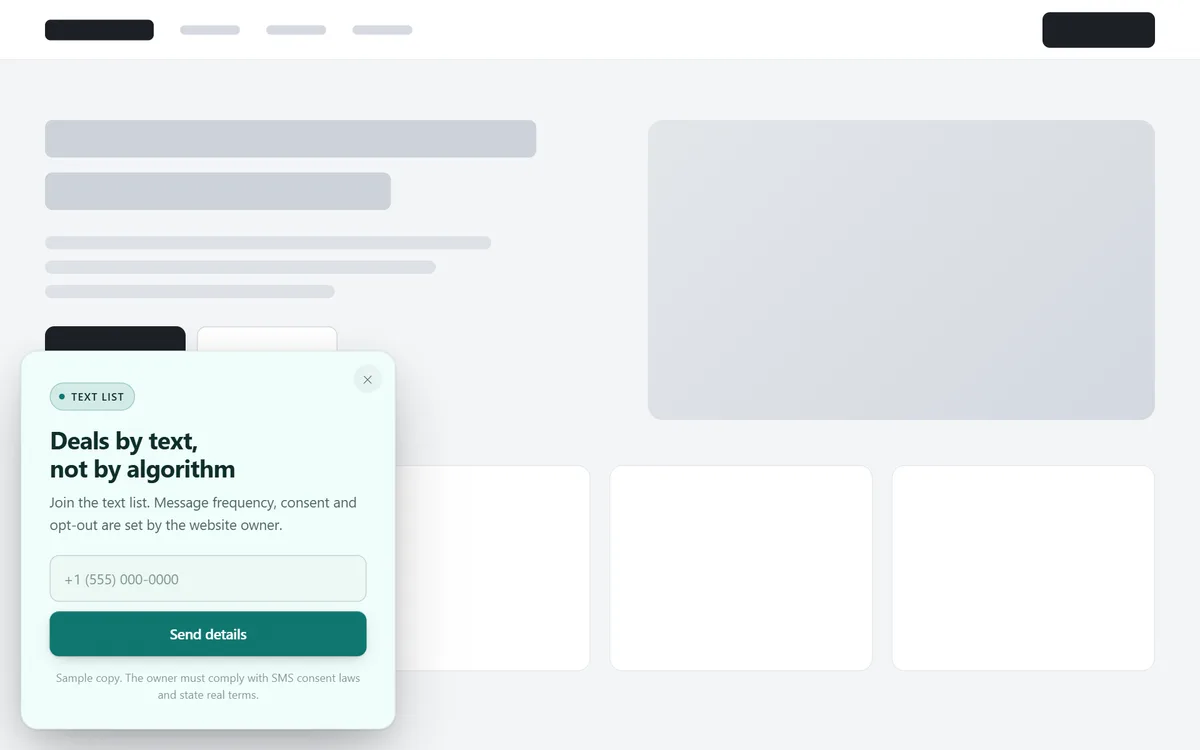
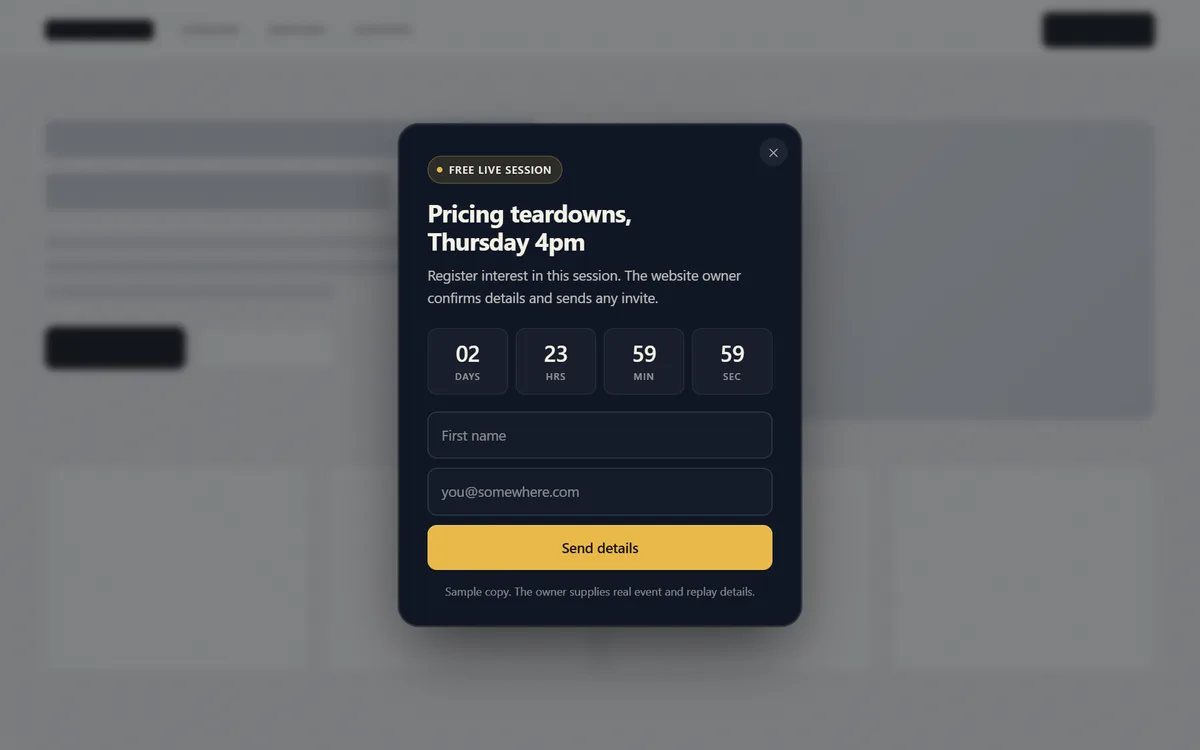
Live session
Ink modal with a countdown and two-field registration; the owner sends any details.
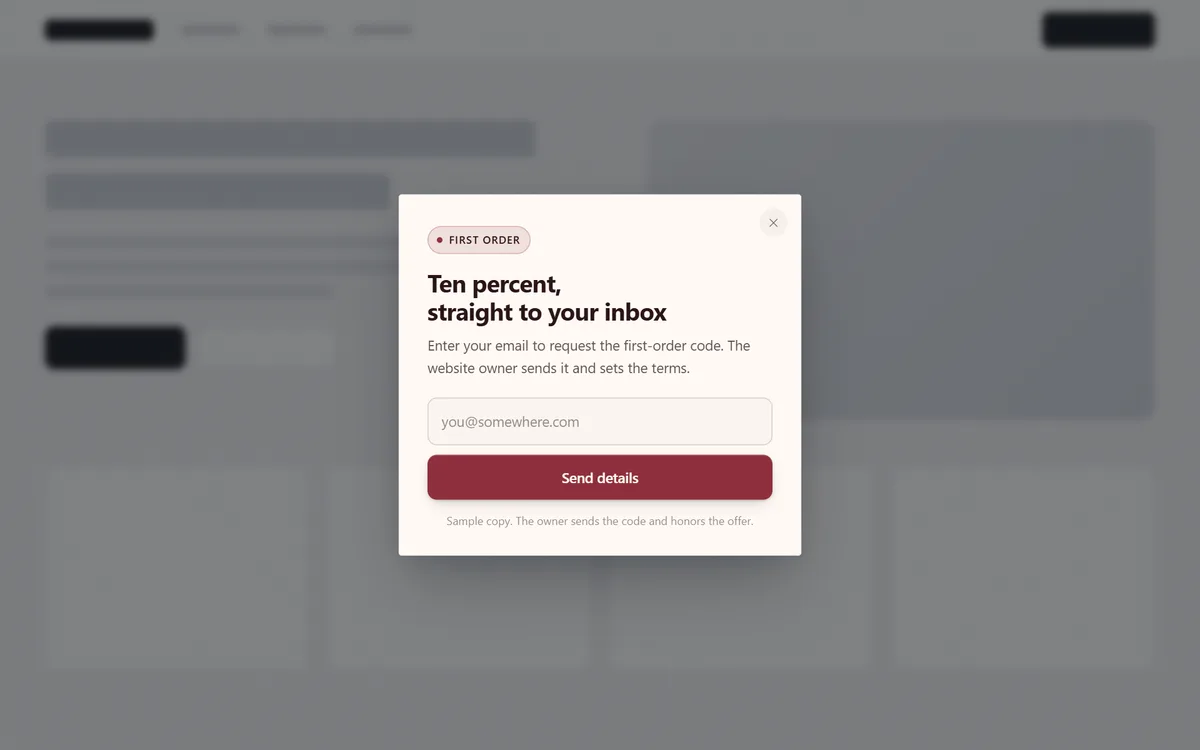
Email for code
Editorial cream modal that collects an email for a first-order code; the owner sends the code.
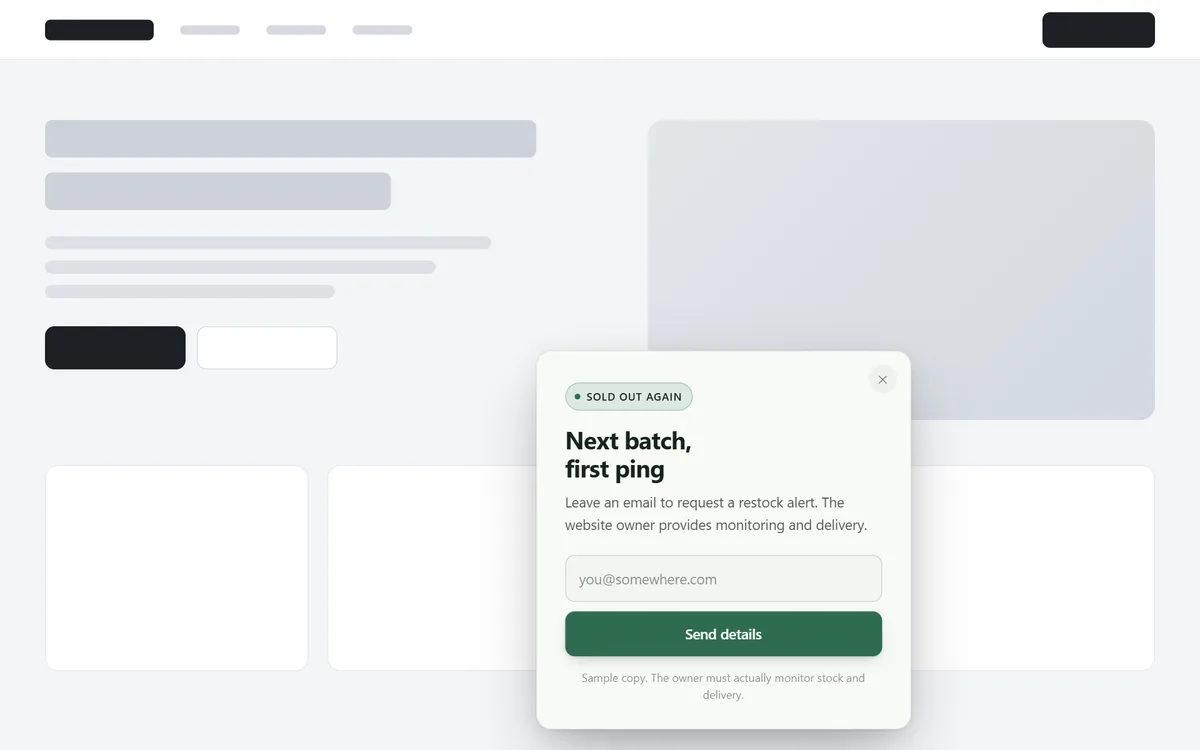
Restock alert
Sage slide-in that collects restock requests; the owner provides monitoring and alerts.
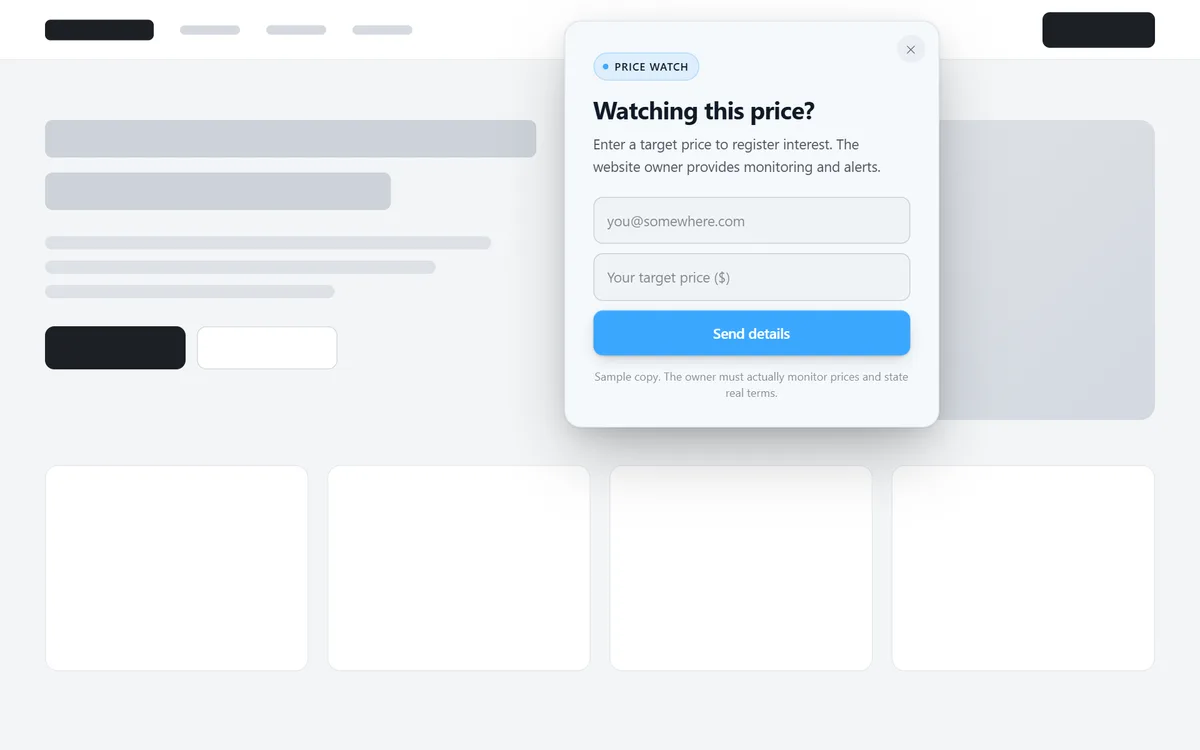
Price alert
Sky-blue slide-in that collects a target price and email; the owner provides monitoring and alerts.
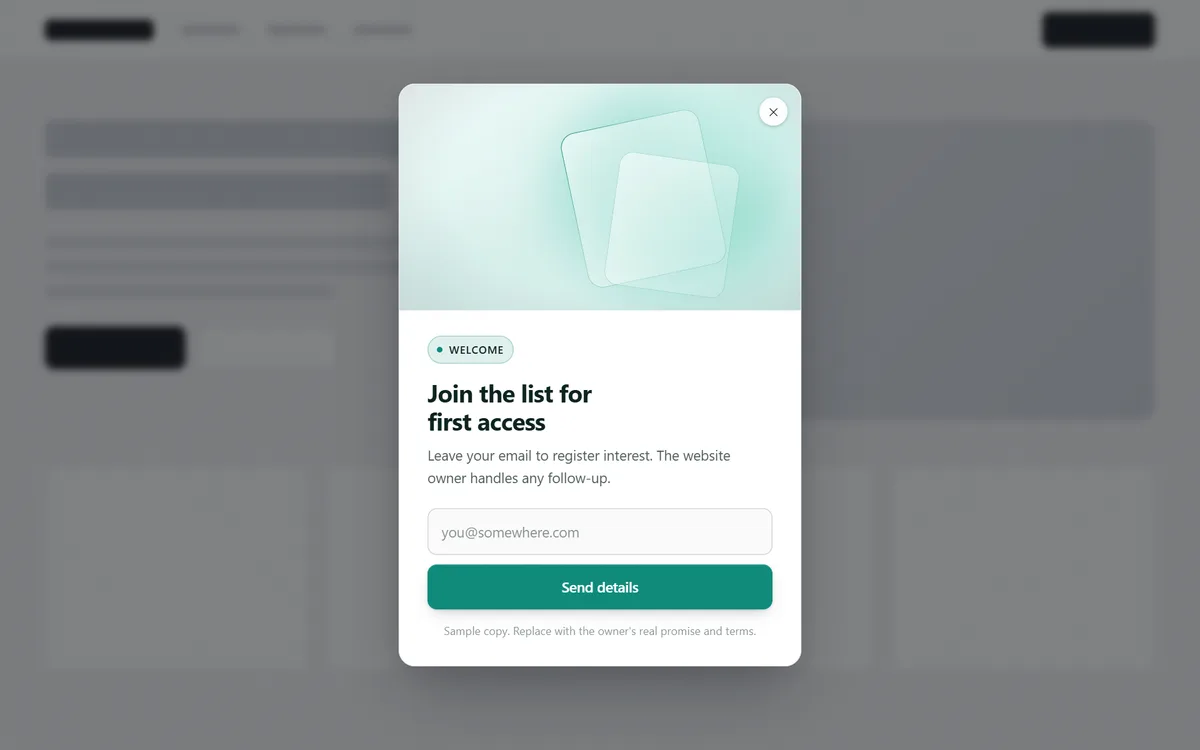
Welcome signup
Light modal with an image running edge to edge above a one-field email signup.
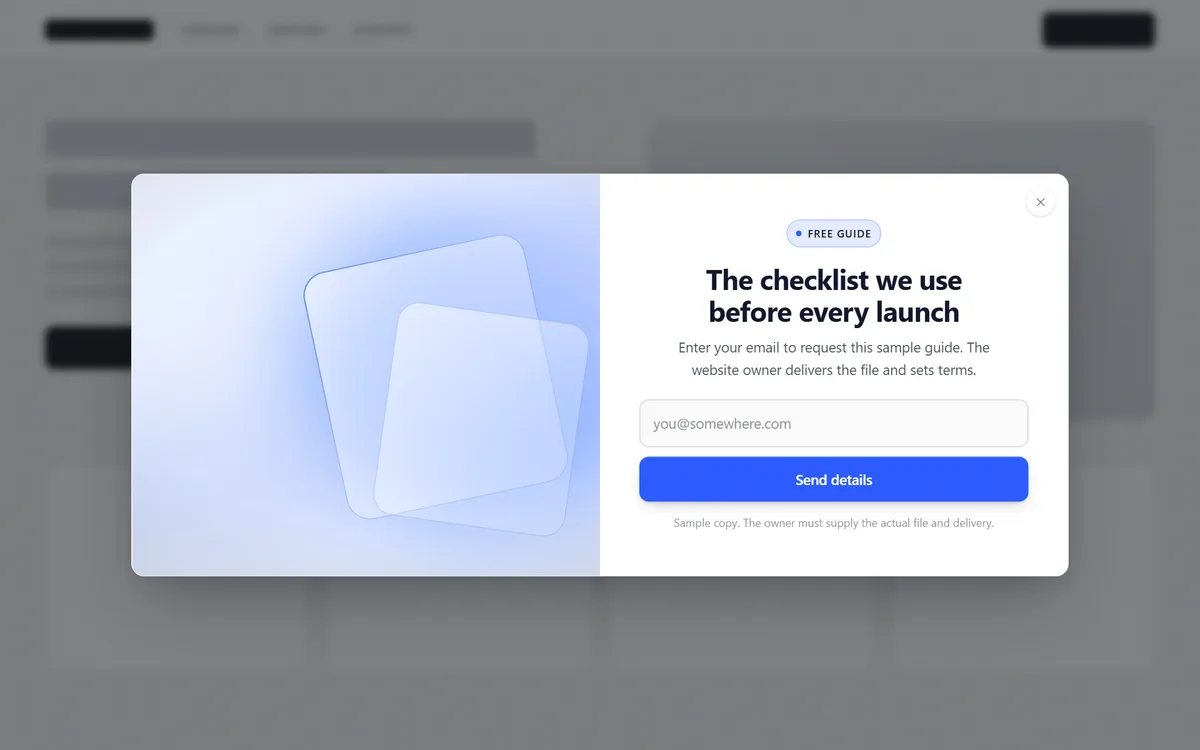
Lead magnet
Wide split modal with the image on the left and an email field for a content upgrade.
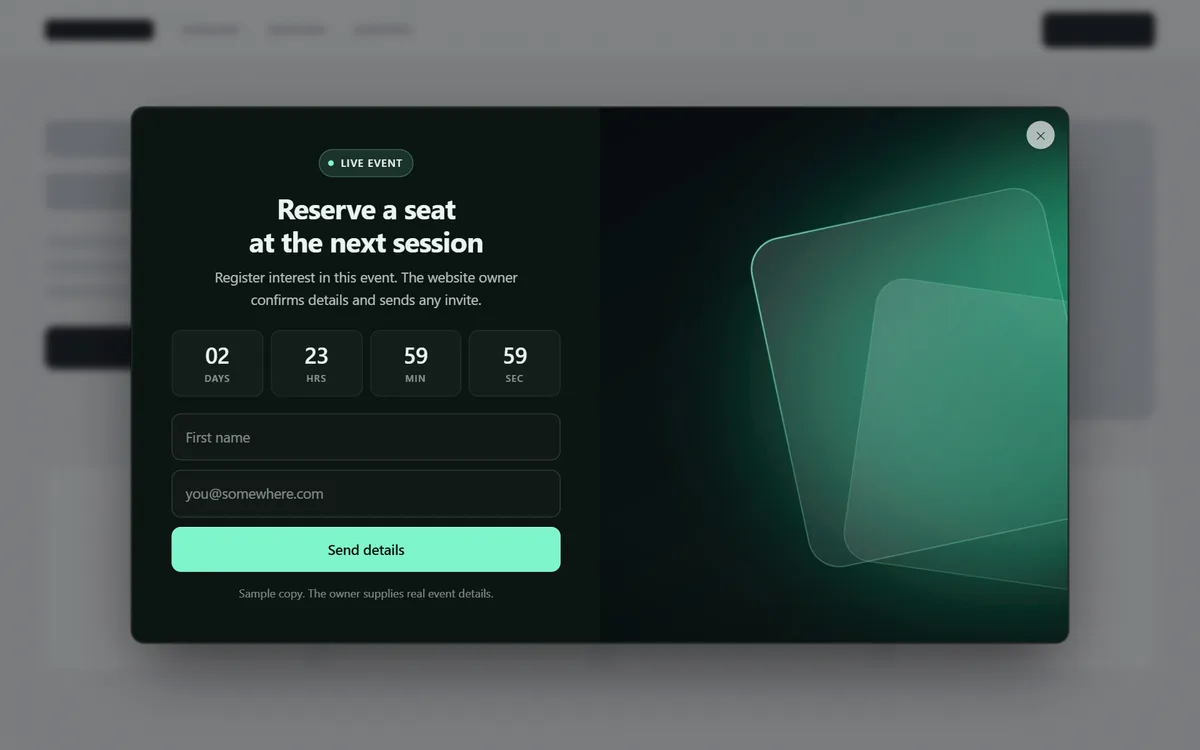
Event signup
Ink split modal with a countdown and a two-field registration form for an event or webinar.
Related guides
- Back-in-stock popup template
- Email signup popup guide
- Collect and export leads
- Install a popup on your site
Common questions
Are these email popup templates free?
Yes. All thirteen designs are free to edit and use. A free account is required to save a popup and get its install code; there is no pageview cap.
Can I collect emails without a plugin?
Yes, if your site allows custom HTML or JavaScript. Paste the two-line install code before the closing body tag. WordPress, Shopify, Webflow, Squarespace and Wix each have a guide.
Where do the emails go?
They appear in your PopupLoom lead inbox, where you can export them as CSV. An optional signed server webhook can forward them to another tool.
Do I need a consent checkbox?
PopupLoom forms do not render a separate consent checkbox. The owner is responsible for the consent language and lawful basis required in their jurisdiction.