Free Black Friday and seasonal popup templates
Free to edit and install. No pageview cap, no trial and no credit card.
Seasonal campaigns have a short window and a clear reason to act. These eight templates cover Black Friday, Cyber Monday, a winter holiday offer, Valentine's Day, Halloween, Thanksgiving, summer and back to school. Change the dates, code and terms before publishing.
A seasonal template is not a license to fake urgency. If the sale ends on Sunday, say Sunday and honor it. If the code is limited, state the limit.
Who these templates are for
- Stores running a real Black Friday, Cyber Monday or holiday promotion.
- Teams that need a campaign page and popup that match.
- Shops that can update the offer when the window closes.
- Marketers who will measure the campaign, not just launch it.
How to choose and use one
- Set the real start and end date, including timezone.
- Use a code you have tested in the store.
- Make the mobile layout legible; seasonal art can crowd small screens.
- Remove the popup when the promotion ends.
- Do not reuse last year's deadline or stock claim.
What to measure
- Code redemption during the real campaign window.
- Revenue and conversion on mobile versus desktop.
- Click-through to the campaign page.
- Whether the popup was removed when the sale ended.
Common mistakes
- Reusing last year's deadline or stock claim.
- Publishing a code that was not tested.
- Letting seasonal art crowd a small screen.
- Leaving the popup live after the promotion.
8 seasonal templates
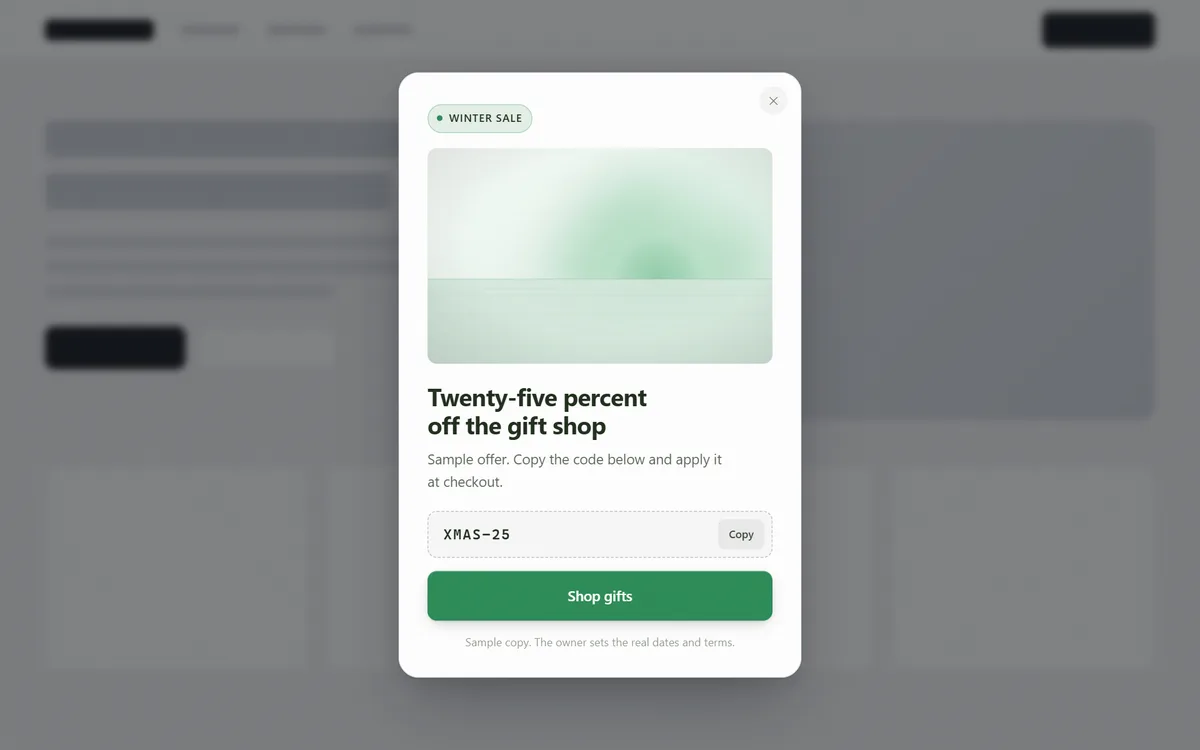
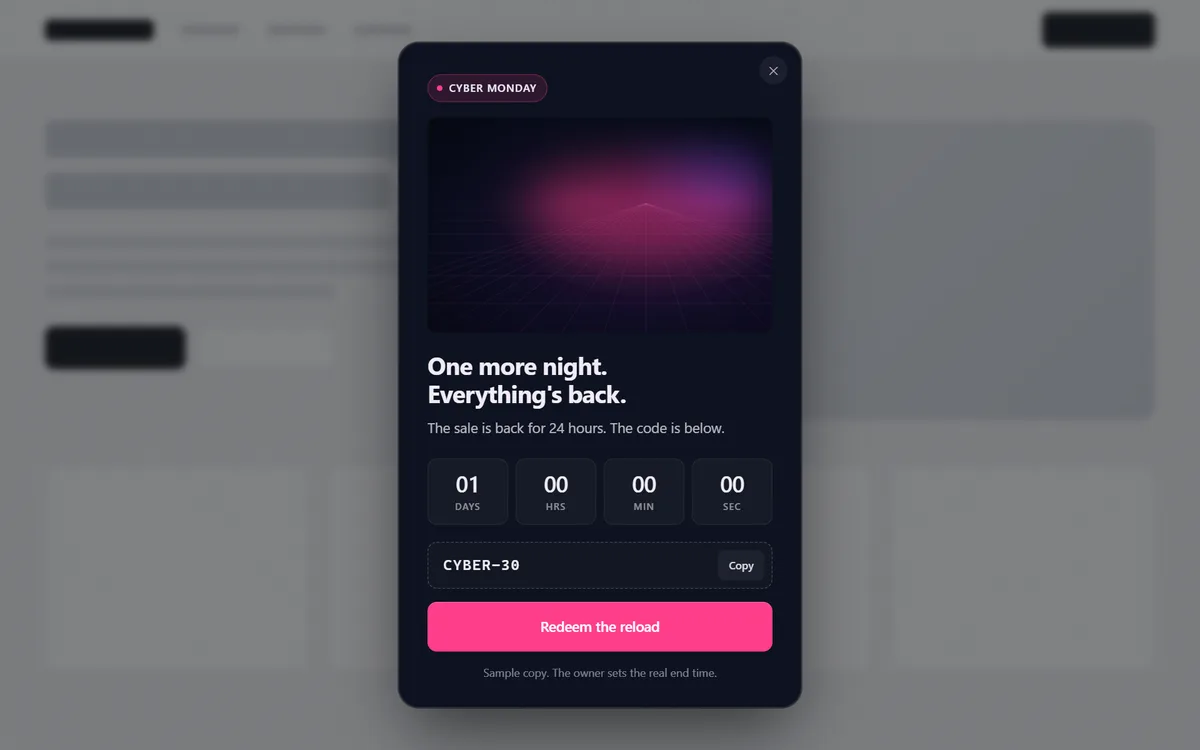
Each card opens the template in the studio. Replace the sample copy, set a real offer or message, then save and copy the install code.
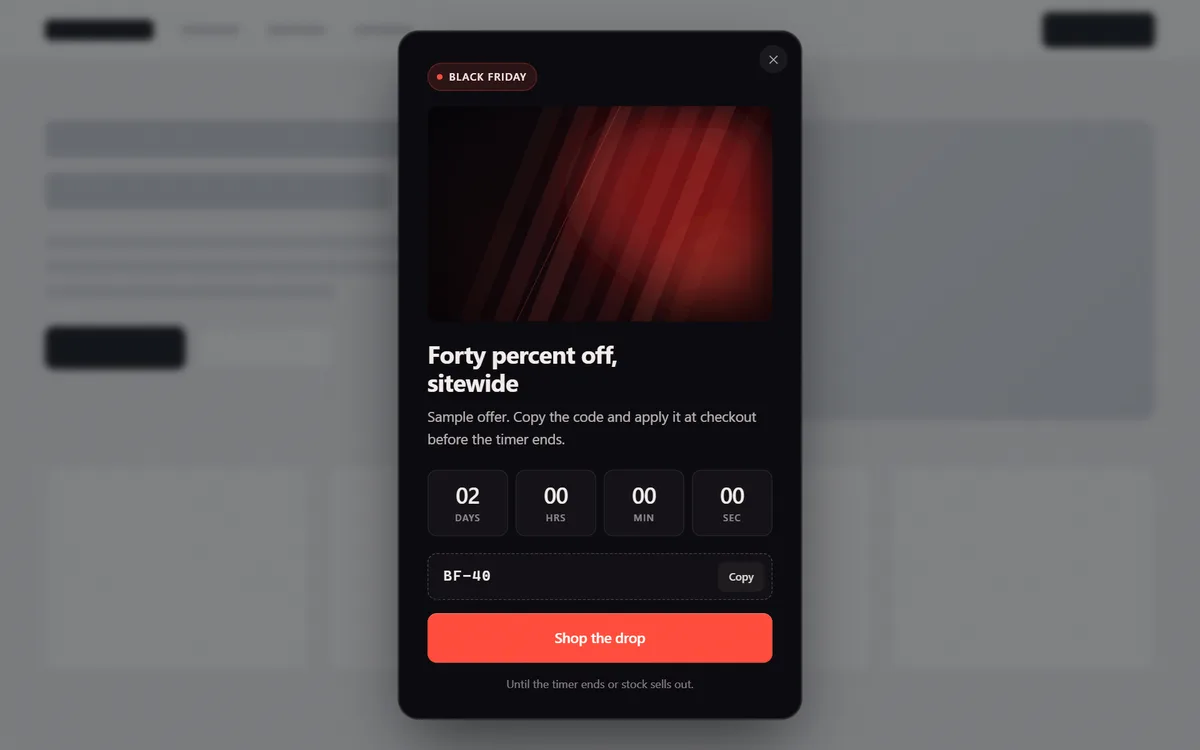
Black Friday
Ink modal with crimson light beams, a countdown and a code field.
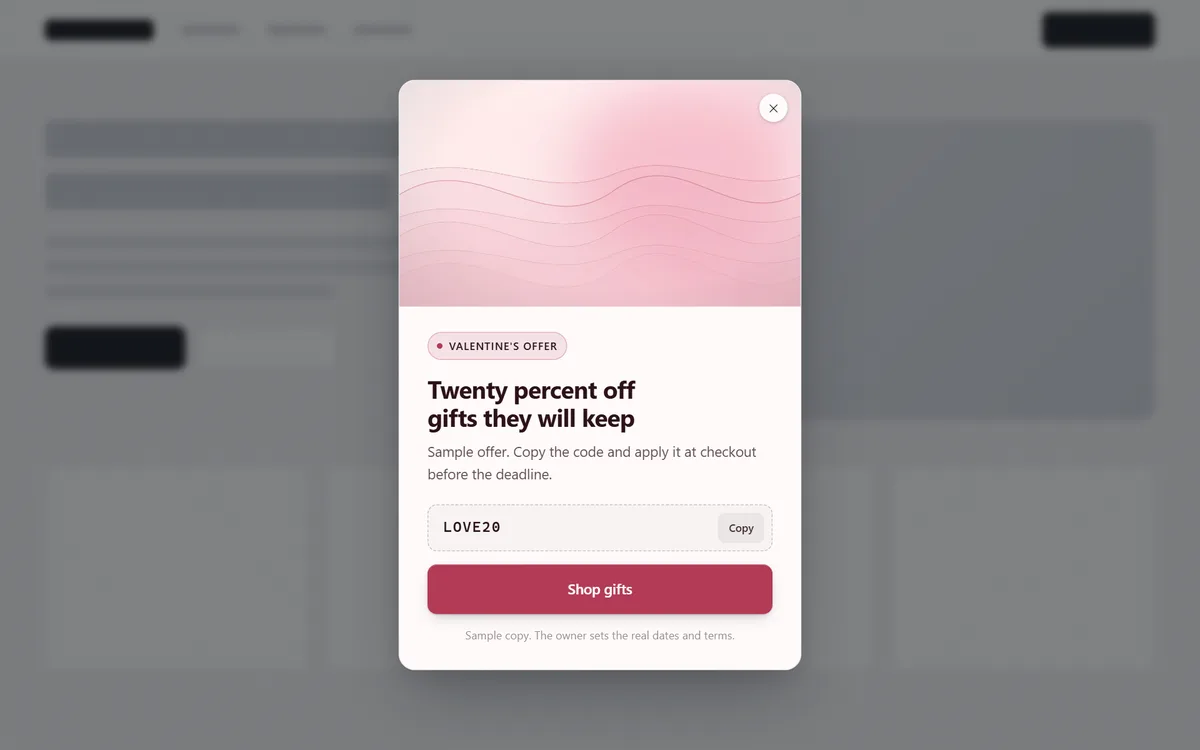
Valentine's Day
Light modal with a rose header image, a copyable code field and a clear gift-shop button.
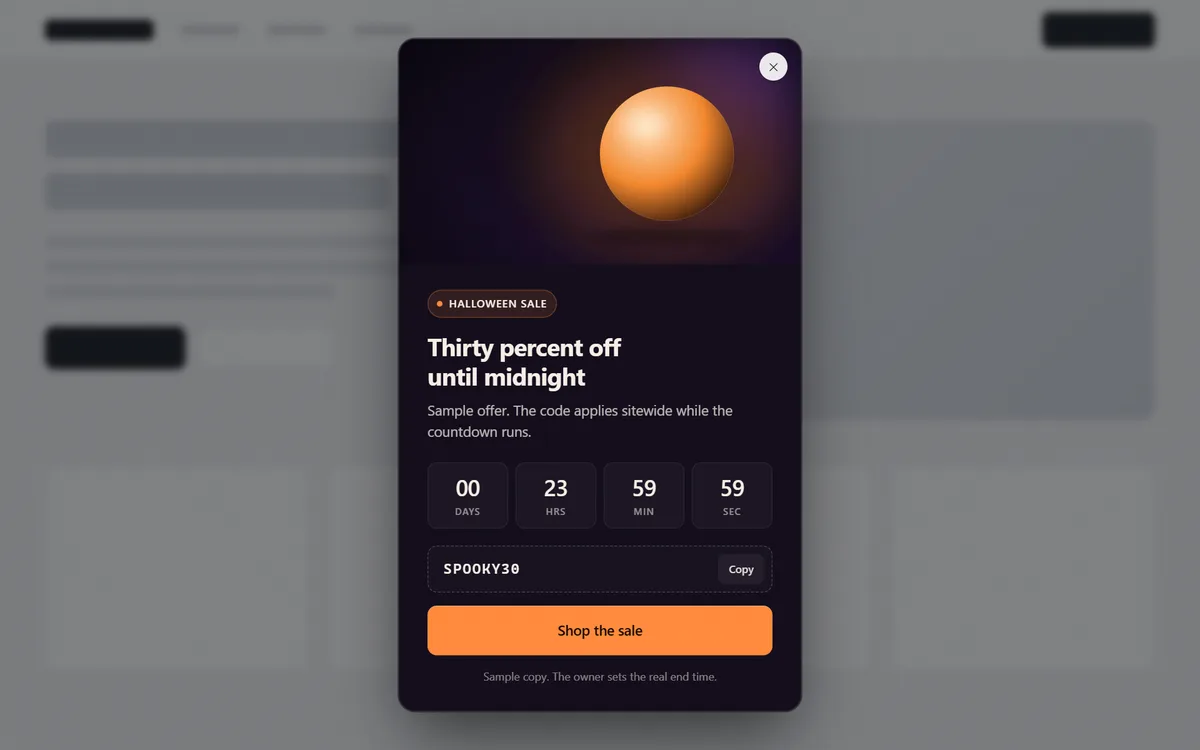
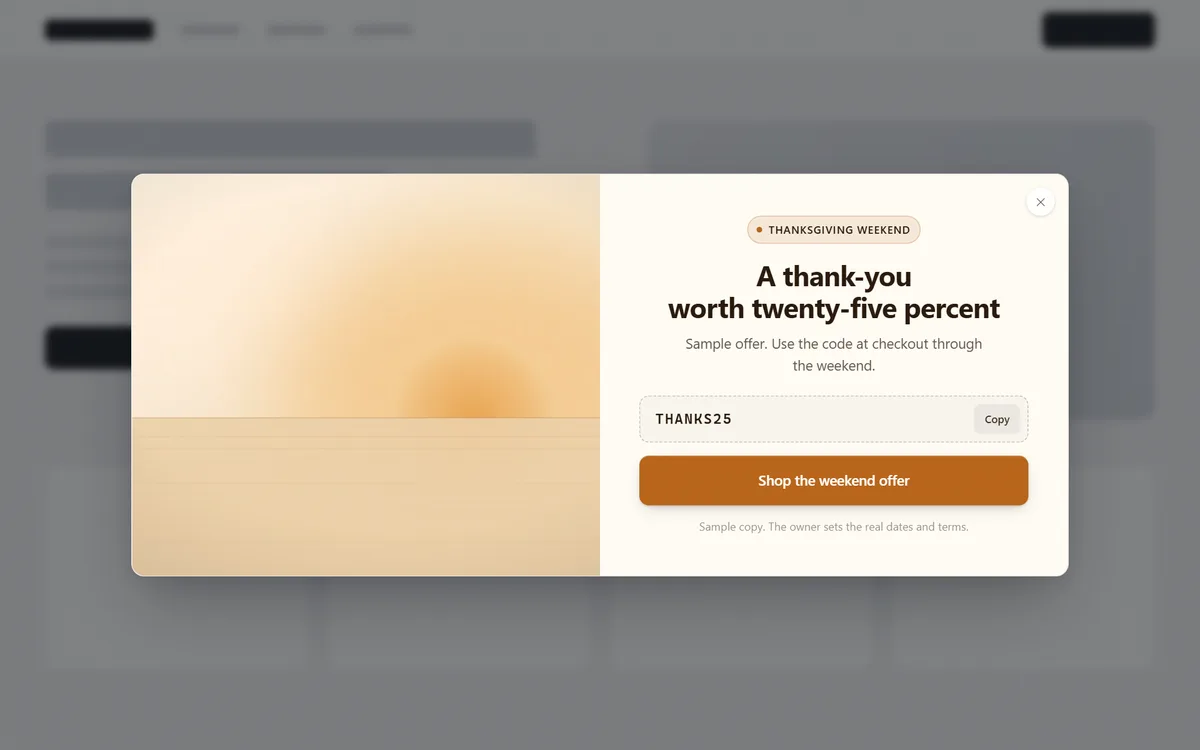
Thanksgiving
Warm split modal with a harvest image on the left, a code field and a shop button.
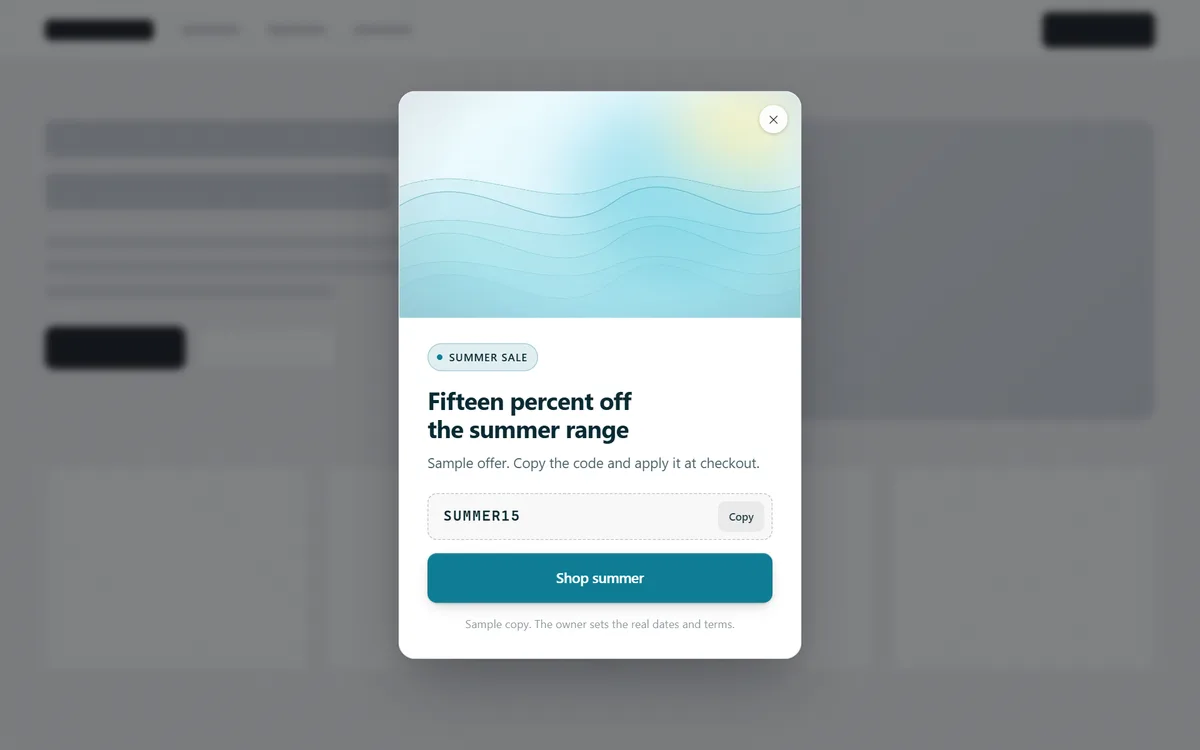
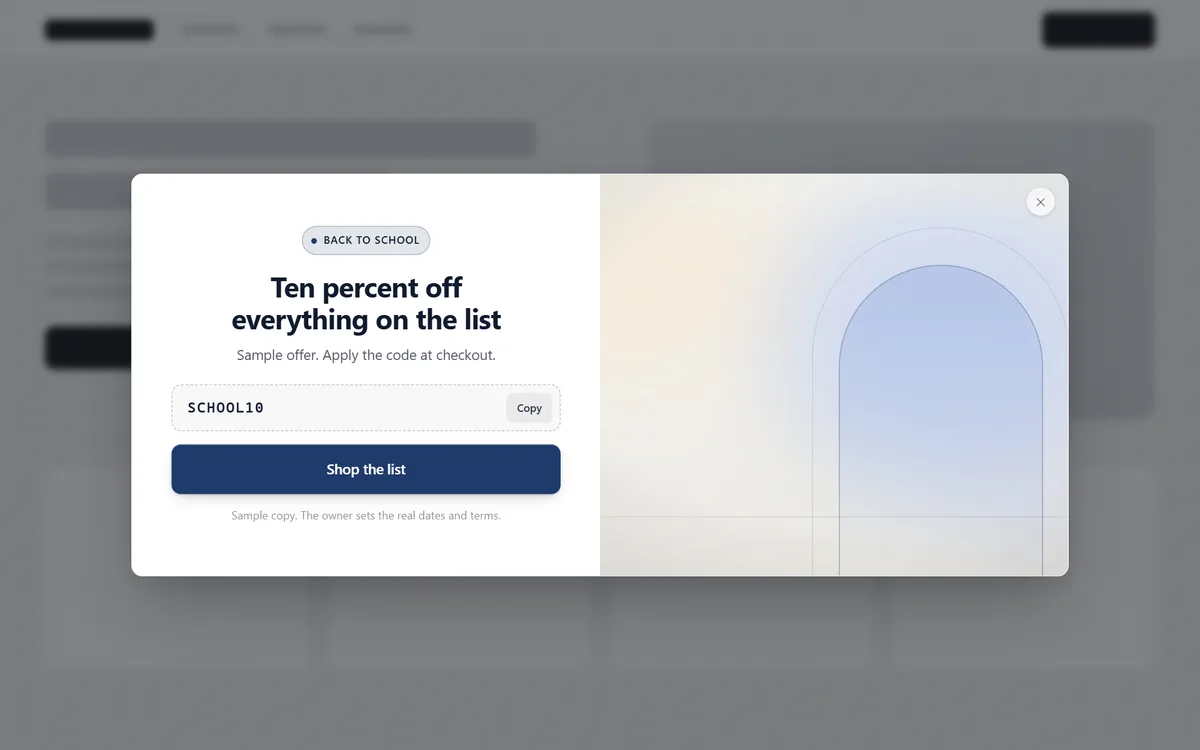
Back to school
Navy-accented split modal with an arch image, a code field and a shop button.
Timing a seasonal campaign
Publish one to two weeks before the event and retire the popup within a few days of it ending. A Black Friday countdown left up in December reads as neglect, and an expired code is worse than no popup. Date-stamp the creative so a cached copy cannot promise something that has already passed.
Run one seasonal offer per visitor rather than stacking a Black Friday, a holiday and a shipping banner on the same page. Set the frequency to once per campaign instead of once per day, and exclude checkout. After the event, replace the popup with a non-seasonal offer rather than switching it off and leaving the page bare.
Related guides
Common questions
Can I reuse the template next year?
Yes, but update the dates, code, terms and art. Do not leave an expired deadline live.
Do the countdowns enforce the deadline?
No. They display the date you set. The owner must honor it.
Can I use these on Shopify or WordPress?
Yes, where custom HTML or JavaScript is allowed. See the platform guides.
Are the templates free?
Yes, with no pageview cap.